TV and streaming
Streaming TV in a motorhome: picture, data and power that work together
A satellite dish is no longer the only way to watch TV on the road. With a router and a streaming stick you get your usual apps on the motorhome TV. Here is what it takes.
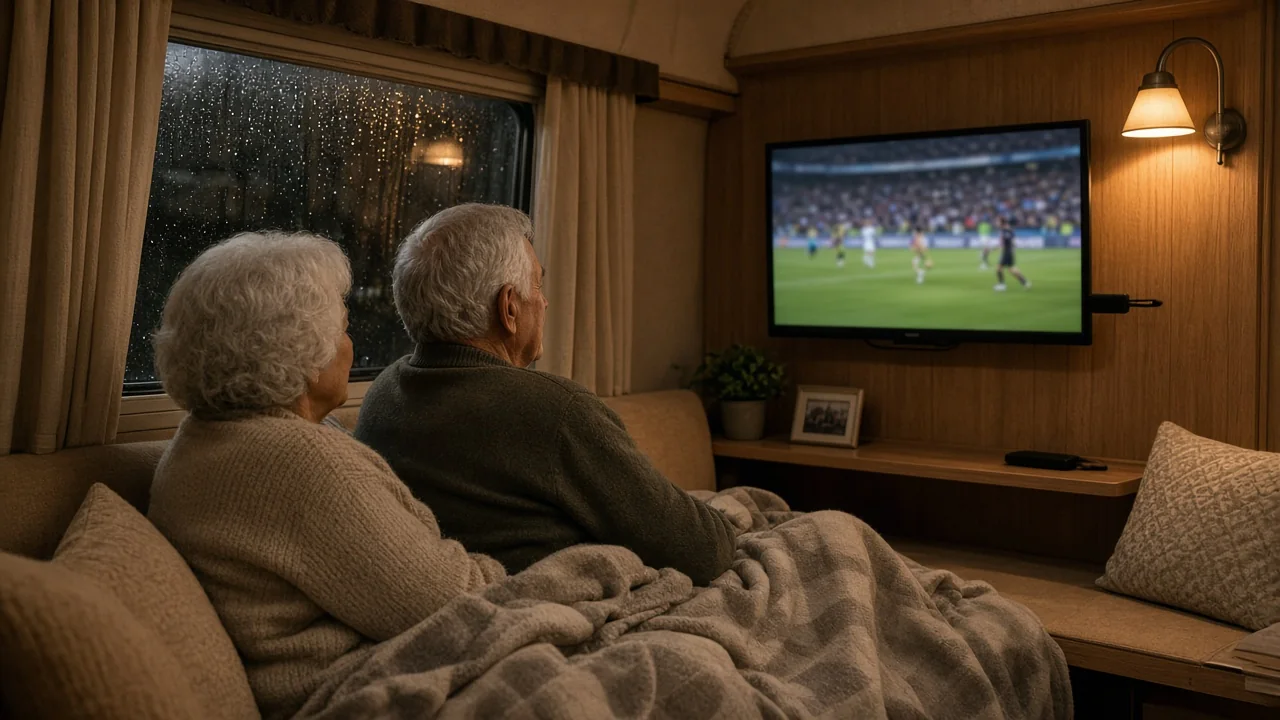
Most new motorhomes come with a flat screen, but not with anything to watch on it. Satellite systems work, but they are expensive, need a clear view south and only show linear channels. More and more travellers do what they do at home instead: stream. All you need is a stable internet connection in the vehicle, a way to get the apps onto the TV and enough data for the evenings you plan to watch.
How much data does streaming use?
Data use depends mostly on picture quality. These are typical figures for the big streaming services:
- Standard definition: around 1 GB per hour. Fine on a small motorhome screen.
- HD (1080p): around 3 GB per hour.
- 4K: around 7 GB per hour, rarely worth it on a screen under 32 inches.
Two hours of HD every evening comes to roughly 180 GB a month. Most apps let you lower the quality in settings, which can cut that by more than half without much visible difference on a small TV.
Getting the apps onto the TV
A smart TV with built-in apps works if it has the services you use. Many motorhome TVs are simpler 12V models, and then a streaming stick or box in the HDMI port is the easiest route. Apple TV and Chromecast are the most common. They normally run on mains power, which means an inverter in a motorhome. A 12V or USB adapter lets them run straight from the vehicle's power instead, which saves energy and avoids the hum of an inverter running all evening.
Tip: connect the TV and the streaming stick to the router's WiFi, not to your phone's hotspot. Then the film keeps playing when someone walks off with the phone.
Watching your home services abroad in the EU
Since 2018 an EU regulation on cross-border portability lets you use paid streaming subscriptions from your home country when you are temporarily in another EU country, with the same content as at home. Free services, such as some national broadcasters' apps, may choose to offer this but do not have to, so some live channels can be blocked abroad. Outside the EU these rules do not apply, and what you can watch varies from service to service.
Making the picture stable
- Put the router high up and close to a window, or connect a roof antenna if you often stay in rural areas.
- Choose a data package that covers your evenings. Our guide to mobile internet in Europe by motorhome explains roaming data and fair use.
- Download films and series over a good connection during the day if you know the evening spot has weak coverage.
- Lower the picture quality in the app when the signal is weak rather than waiting for buffering.
New to internet on the road? Our guide to WiFi in a motorhome explains router, SIM and antenna step by step.
Frequently asked questions
How much data do I need to stream every evening?
For two hours of HD a night, plan for around 180 GB a month. In standard definition it is closer to 60 GB.
Can I watch my home country's streaming services in another EU country?
Paid subscriptions, yes, when you are temporarily abroad within the EU. Free services decide for themselves, so some live channels may be blocked.
Do I need an inverter for Apple TV or Chromecast?
Not with a 12V or USB adapter. It powers the stick directly from the vehicle and uses less energy than running it through an inverter.